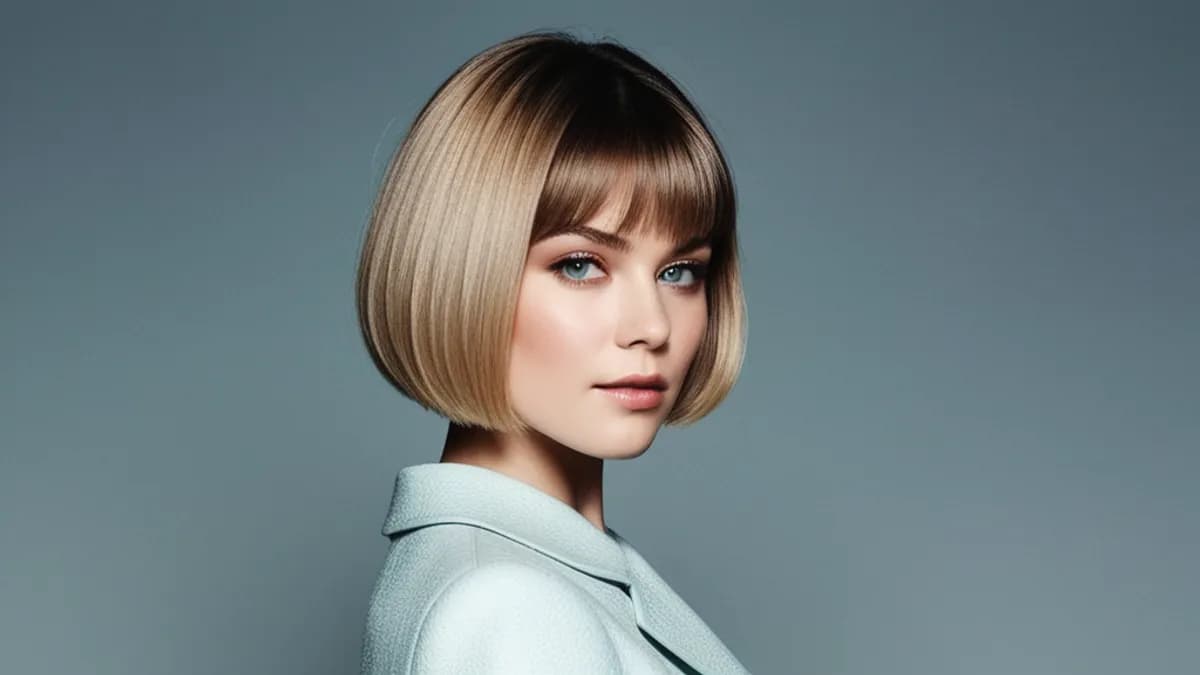
There's a specific look that makes people instantly think "AI generated": glossy plastic skin, too-perfect symmetry, dead eyes, a faint glow like everything was shot for a perfume ad. Getting a realistic AI girl means deliberately steering away from all four. Here's how.
1. The model decides 80% of it
Before any prompt tricks, the checkpoint you generate on sets the ceiling. Models fall into three buckets:
| Model type | Default look |
|---|---|
| Anime / illustration (many SD1.5 NSFW models) | Stylized, never photoreal — wrong tool |
| Generic SDXL | Photorealish, but plastic skin and "magazine" lighting |
| Realism-tuned SDXL (bigASP, RealVisXL, Juggernaut) | Photoreal with real skin, the right starting point |
If you're chasing realism on an anime checkpoint, no prompt will save you. ximages runs bigASP v2.5, an SDXL-family model tuned specifically for realistic NSFW, so the baseline is already photographic. Start from the right model and the prompt work gets 10x easier.
2. Kill the plastic skin
The single biggest "AI tell" is skin. SDXL-family models default to airbrushed, poreless skin because their training data is full of retouched and filtered photos.
The fix is exactly one skin descriptor — never a stack:
- beautiful woman, perfect skin, flawless, stunning
+ woman, late 20s, natural skin pores, soft window light
Words like "perfect" and "flawless" push toward plastic. Words like "natural" and "subtle" push toward realism. We wrote a whole breakdown here: Why your AI photos look plastic — and the 3-word fix. It's the highest-leverage single change you can make.
3. Lighting: kill the "AI glow"
The second tell is lighting. AI defaults to cinematic, golden-hour, evenly-glowing studio light — which reads as fake because real photos rarely look that staged.
Steer toward ordinary light:
soft window light, overcast daylight, indoor evening lamp,
candid phone photo, slightly uneven lighting
And put the staged stuff in your negative prompt:
cinematic lighting, golden hour glow, studio lighting,
magazine cover, dramatic rim light, lens flare
"Phone photo" / "candid" framing is the secret weapon — it tells the model to imitate snapshots, which are inherently more believable than glamour shots.
4. Prompt structure that holds together
Realism falls apart when the prompt is a pile of adjectives. Use a stable order — subject, then specifics, then scene, then light, then one texture word:
young woman, mid 20s, shoulder-length brown hair, light freckles,
relaxed expression, sitting on a bed, white cotton tank top,
morning light through a window, evenly lit room,
natural skin pores, candid moment
Notice what's not there: no "masterpiece," no "8k ultra detailed," no five skin words. Magic-word stacking is the #1 way beginners reintroduce the AI look — see 12 NSFW prompt traps.
5. Eyes and hands — the close-up tells
Even a perfect skin/lighting setup gets ruined by melted eyes or mangled fingers, because those features occupy too few pixels to render correctly at 1024px. ximages runs an automatic face/eye detailer (and a hand pass) that re-renders those regions at higher detail, which removes the two most common "look again and it's obviously AI" failures. If your tool doesn't do this, expect to regenerate or inpaint eyes and hands manually — see How to fix bad hands.
The realism checklist
- Start on a realism model, never anime, for photoreal goals
- One skin descriptor —
natural skin pores, never a stack
- Ordinary lighting in positive, cinematic in negative
- Candid / phone-photo framing beats glamour framing
- Stable prompt order, no magic-word stacking
- Auto eye/hand detailing (or fix them manually)
Put those together and the "AI tell" mostly disappears. Try it on the generator — the built-in prompt assistant already biases toward realistic, phone-photo output and applies the right negative prompt for you.
Related reading: How to write realistic AI prompts goes deeper on prompt structure, and Anime vs realistic AI girls explains why you can't mix the two on one checkpoint.