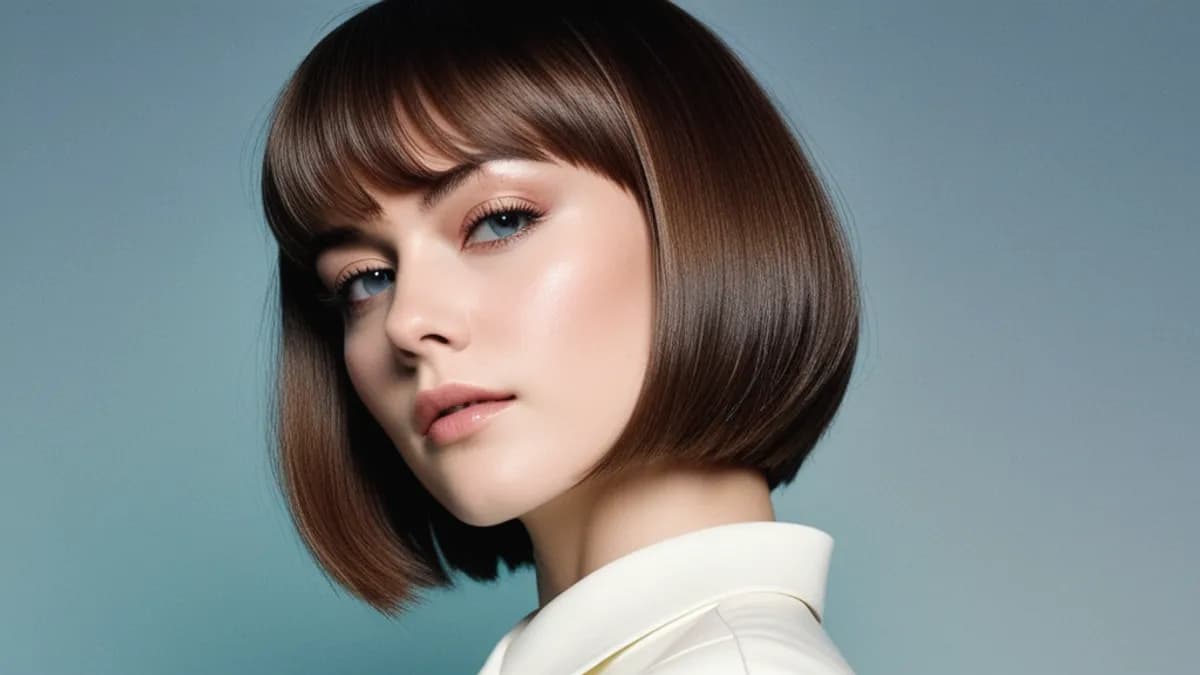
If you've used Stable Diffusion 1.5 or vanilla SDXL elsewhere, you'll find that prompts that work great on Civitai often come out flat or plastic on ximages. That's because our default image model — bigASP v2.5 — was retrained on 13 million adult photographs with a specific goal: photoreal realism, not stylized art.
It rewards different prompt habits than the rest of the SD ecosystem. Here's the 5-minute version of what we've learned shipping it.
bigASP in 30 seconds
- Base: SDXL backbone, Rectified Flow Matching, 1024×1024 native
- Trained on: 13M+ real adult photographs, broadly representative across ethnicity and body type
- Excels at: single-person photoreal scenes, intimate scenarios, diverse subjects, natural skin
- Struggles with: multi-person interactions in complex poses (tends to merge bodies), text in image, any anime/illustration style
That last point matters. bigASP will try to render anime if you ask, but the output will be worse than a model actually trained for anime. We auto-add negatives to push it away from illustration.
The single most important rule
Don't use SD 1.5-era quality tokens. These actively hurt:
masterpiece, best quality, 8k, ultra detailed → push toward illustrationanatomically correct → causes anatomy-diagram artifactsdetailed skin texture, perfect skin → causes plastic-doll skincinematic lighting, dramatic shadows → triggers CGI/render aesthetic
Yes, these words help in vanilla SDXL. They hurt here. bigASP's training set was already curated for quality, so quality tokens just shift it toward a different stylistic mode.
The phone-snapshot bias
Indoor scenes especially tend to drift toward "magazine cover" aesthetics — moody lighting, soft warm tones, dramatic shadows. We've tuned our prompt system to fight that automatically, but you can reinforce it:
✅ Use: iPhone photo, candid snapshot, amateur photo, harsh overhead light, fluorescent, flat lighting, afternoon daylight through window
❌ Avoid: moody, soft glow, warm light, golden hour, dramatic, atmospheric, professional photography
The intuition: a phone photo of your actual bedroom looks nothing like a Vogue spread. The model can produce either; you just have to bias it.
The 30-word formula
bigASP rewards short, comma-separated tags over long flowing sentences. Here's a structure that works:
[subject: age, ethnicity, build, hair, key facial feature],
[clothing or nudity state],
[pose, body position, hand placement, gaze],
[setting with one concrete detail],
[neutral lighting word]
A worked example:
young asian woman, slim athletic build, long black hair tied back, soft features, in a plain white tank top and grey gym shorts, sitting cross-legged on bed scrolling phone, messy small studio apartment, ceiling light
That's 35 words. It will out-perform a 200-word "8k masterpiece detailed cinematic ultra realistic" wall of tokens every time.
What about NSFW terms?
Clinical language wins over slang. bigASP was trained on captions written in clinical/anatomical English, not on Reddit posts. Some examples:
- ✅
penetrative sex, missionary position, POV blowjob, nude woman, large breasts
- ❌ slang, crude street terms — produce vague output
This isn't prudishness; it's just what's in the training set's captions.
Where to go next
- Try the inspiration templates in Quick mode — every chip is a hand-tuned prompt that follows these rules.
- The AI prompt helper (purple sparkles button) takes your description in any language and produces a bigASP-tuned English prompt. Useful when you have a scene in mind but don't want to translate it yourself.
- Negative prompt is auto-added — you don't need to type the basic anti-illustration tokens; they're prepended every time.
Generate a few images, see what works for your taste, and iterate. The biggest mistake new users make is treating bigASP like SD 1.5 — once you adopt the photo-tag mindset, everything clicks.